
Multiple 8.5″ x 11″ paper in ribbon stack to showcase maximum up to 6 pages of your flyers, newsletters, certificates, photos, sketches, resumes etc.
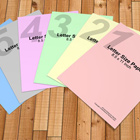
8.5 x 11 inch Paper Stack Photoshop Action mockup final rendered image:
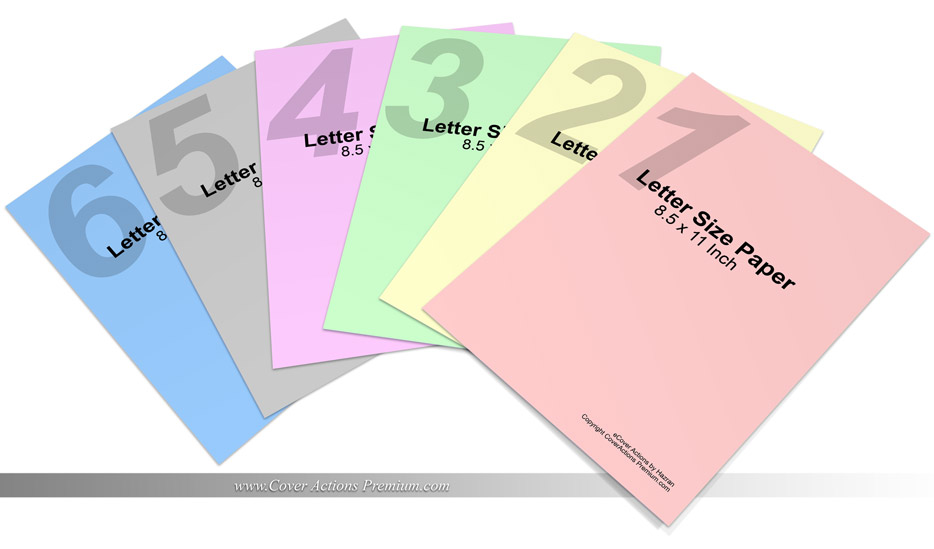
Each ot paper starting template were created into actual standard letter size 8.5″ and 11″ which is suitable for presenting your printed materials such as newsletters, flyers, brochures, photos, leaflets, forms etc.
Each of the layers created at the end of rendering step were left intact. So you can delete or edit any layer and create from a single page up to 6 paper sheets depend on your needs.
Cover Actions Requirement & Compatibility:
** ENGLISH Version Adobe Photoshop CS2, CS3, CS4, CS5, CS6, CC up to Photoshop 2026 pre-installed on Microsoft Windows OR Apple Mac OS.
Don’t have Photoshop? Get Your 7-Day Free Trial HERE
*** Member Downloads Area ***
Please login or register before start downloading.
These files are accessible for:
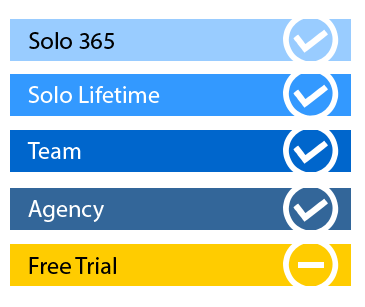
New member use below download link:

**These files are accessible only upon purchase of this products.
( Members must be logged in )
Become A Member
–SINGLE MOCKUP PURCHASE–


Similar Mock Ups / Cover Actions:
 |
 |
 |
 |
 |
 |
Related Posts
 17×14 Half Fold to 8.5×14 Brochure Mockup Pt.2
 17×14 Half Fold to 8.5×14 Brochure Mockup Pt.1
 16 × 9 Double Parallel Fold Brochure Mockup (Folds to 4 × 9) | Photoshop Action
 14 x 8.5 Double Parallel Fold Brochure Mockup- Horizontal
 A6, A5, A4 Brochure Mockup- v.3
 A6, A5, A4 Brochure Mockup- Pt.2
 A6, A5, A4 Brochure Mockup- Pt.1
 Open Booklet Mockup – 8.5 x 11
 5.5 x 8.5 Open Brochure Mockup – Pt 2